Turn scattered user feedback into a plan

Starizon pulls the feature requests from your feedback board and forum into one table and merges the duplicates. It checks them against your roadmap, then files the top requests you haven’t planned in Linear and posts the list to Slack.

The websites, people and data in this film are made up.

Step by step

  1. Find

    Starizon searches the web for the feedback board and the forum’s feature requests and opens both in a Feedback tab group. You save the chat as a Space and add the Roadmap from your Knowledge Base, so you can build on it in the next request.

  2. Extract

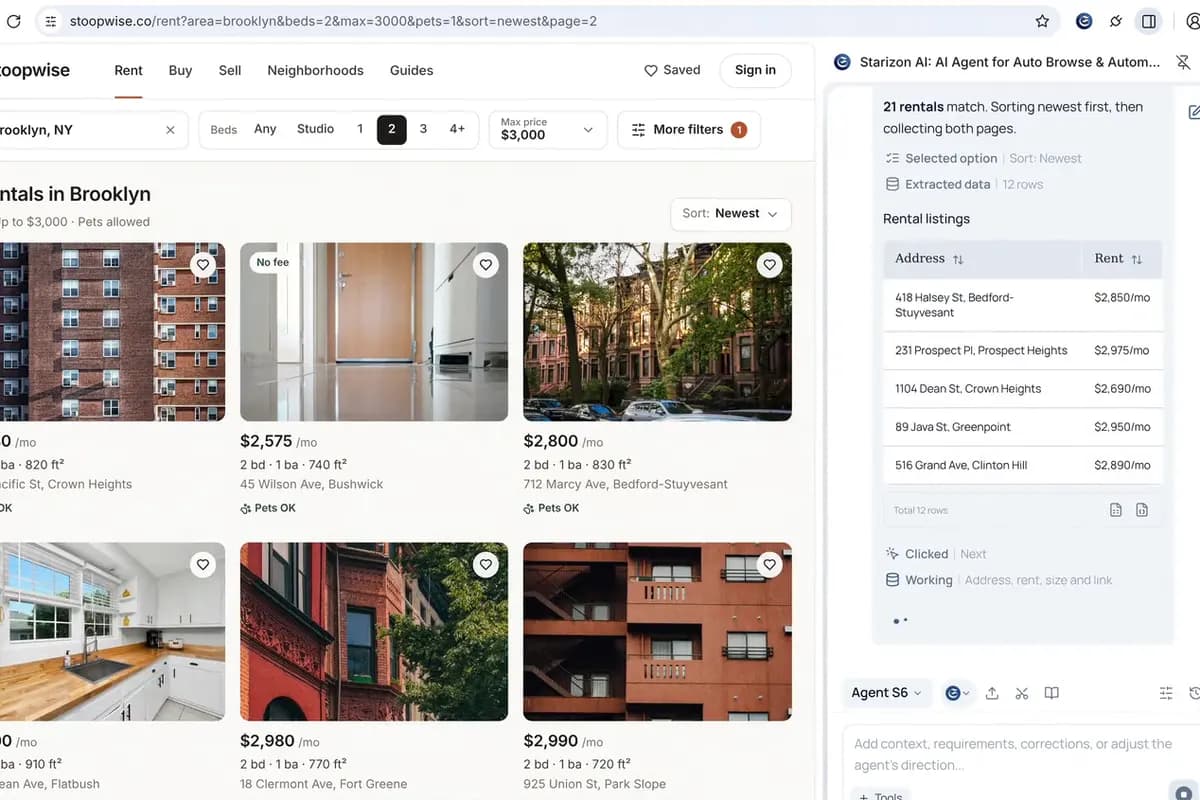
    Agent S6 filters the board to open requests from the last 90 days, sorted by votes. Both lists go into one table: 73 requests, 41 after merging duplicates, saved to the Space as a CSV and to Google Sheets.

  3. Act

    Starizon reads the roadmap in the Space and skips what is already planned. It files the five most-voted requests left as Linear issues and posts the list to #product in Slack, with a link to the sheet.

What was asked

The requests in the film, word for word. Its websites and data are made up, so ask the same way about your own sites and details.

  1. Find

    Find the Inkfern feedback board and the Feature requests section of our community forum, then open both in a tab group called Feedback.

  2. Extract

    On the feedback board in this Space, show only open requests from the last 90 days, sorted by votes. Then put every request from both lists in a table: title, votes, comments and where it was posted. Merge the ones that ask for the same thing and save the table to Google Sheets.

  3. Act

    Compare the requests with the roadmap in this Space. For the five most-voted requests that aren’t on it, create a Linear issue each, then post the list to #product on Slack with the sheet link.

What you get

One table of all 41 requests in your Space and in Google Sheets, plus Linear issues for the five your roadmap misses.

Good to know

  • Linear connects through MCP and Slack through Apps. You decide which apps and MCP tools Starizon can use.
  • A Space keeps a project’s pages, files and chats together, so you don’t have to explain the project again next time.

Learn more

Try it on your own tabs.

Ask in your own words, with your own sites and details. Starizon works in the browser you already use.

Free to start. No credit card needed.