Ask one question across your bookmarks, tabs and notes

Import a bookmark folder and a few tabs, then ask one question across them and a research Space. Starizon searches them in steps and checks your interview notes for the same complaints. Each point in the answer comes with its source.

The websites, people and data in this film are made up.

Step by step

  1. Import

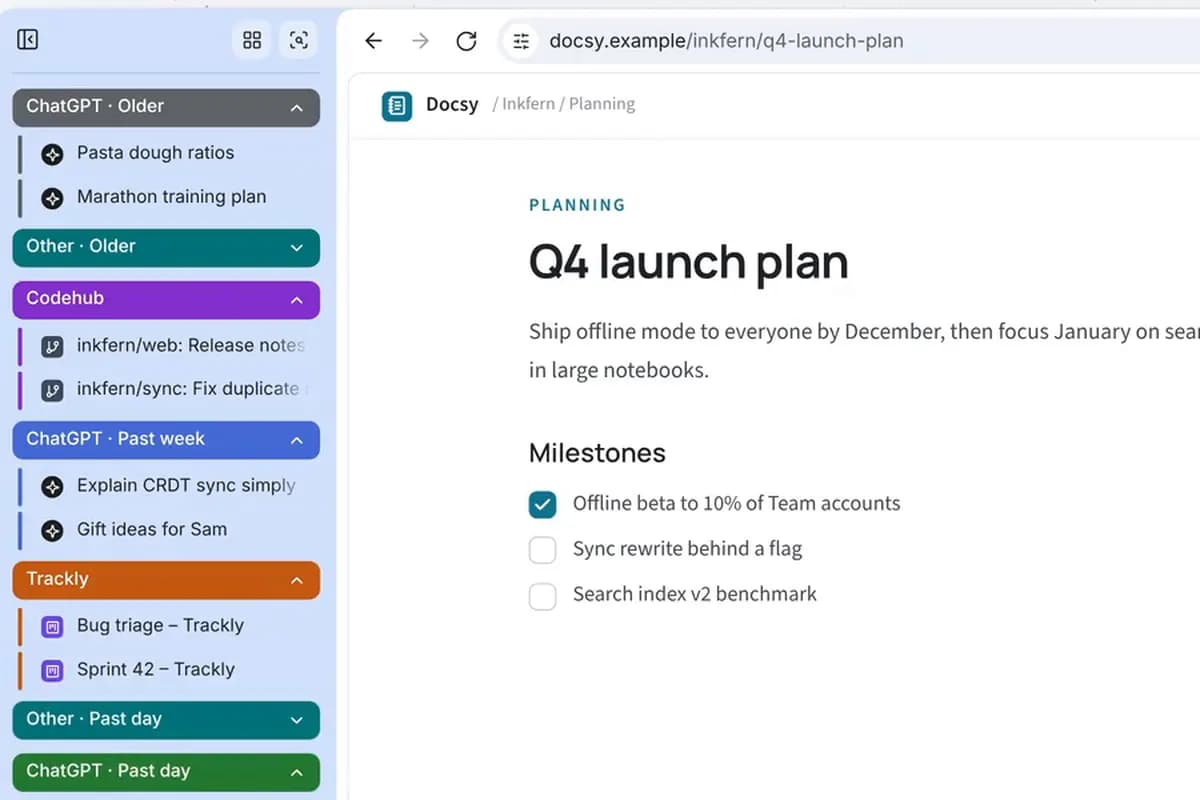
    You import a bookmark folder and three open tabs into one Knowledge Base collection, kept as full text on your device.

  2. Ask

    You point the question at the collection and a pinned Space with @, then ask which three complaints come up most.

  3. Search

    Starizon searches the 15 saved reviews and threads, then reads the interview notes to see which complaints they share. The answer names three, each with a quote and a numbered source.

What was asked

The request in the film, word for word. Its websites and data are made up, so ask the same way about your own sites and details.

  1. Request

    Using the app reviews I saved from my bookmarks and tabs, and the interview notes in my Inkfern research Space, which three complaints come up most? Quote each one with its source.

What you get

The three complaints that come up most, each quoted, with a link back to the review or note it came from.

Good to know

  • Indexing and search run on your device. When a task reads your library, Starizon sends your prompt and what it reads to the AI model you chose, and lists each page it read in the chat.

Learn more

Try it on your own tabs.

Ask in your own words, with your own sites and details. Starizon works in the browser you already use.

Free to start. No credit card needed.