Group your tabs by topic, by site or by your own rules

Tell Starizon in one sentence how you want your tabs sorted. It regroups the whole window from the tab titles and addresses, without opening a page, and closes duplicates only after you check the list.

The websites, people and data in this film are made up.

Step by step

  1. By topic

    Starizon checks the 18 tabs in your window and sorts them into five groups: Work, Travel, Reading, Personal, and Mail & calendar. It goes by titles and addresses, without opening the pages.

  2. By site

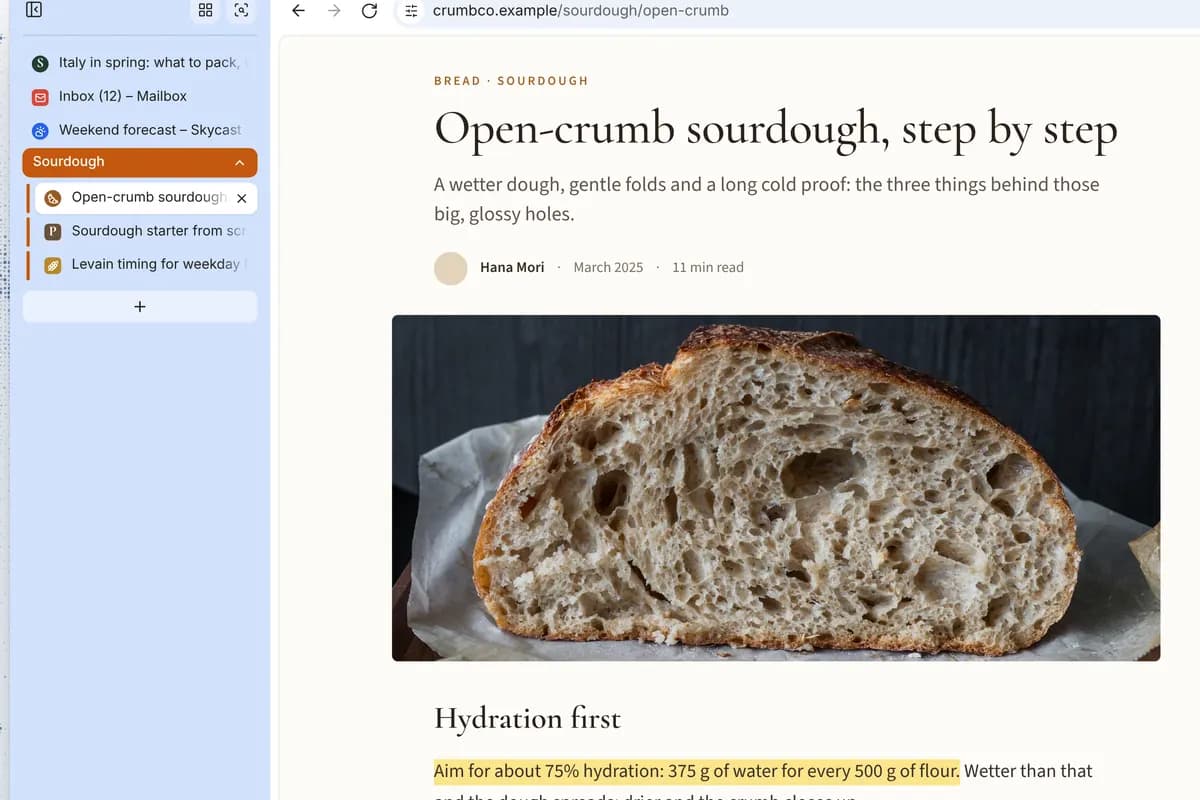
    Ask again with a new rule, and Starizon regroups the same 18 tabs by site. Codehub, Shopnest, Mailbox and Calendar have one tab each, so they share an Other group.

  3. Your rules

    You set four rules in one request: Docsy, Trackly and Codehub by site, ChatGPT tabs by when you last opened them, newest at the bottom, no duplicates. Starizon lists three tabs to close but leaves the copy from a newsletter link unticked. You confirm, and it closes the two exact duplicates.

  4. Tidy up

    In one more sentence you ask for three changes: collapse the older ChatGPT group, rename Docsy to Q4 work, and pin your inbox and calendar, which move to the top, outside any group.

What was asked

The requests in the film, word for word. Its websites and data are made up, so ask the same way about your own sites and details.

  1. By topic

    Group my tabs by topic.

  2. By site

    Now group them by site, and put sites with one tab into Other.

  3. Your rules

    Group my Docsy, Trackly and Codehub tabs by site. Split my ChatGPT tabs by when I last opened them: today, this week, older. Sort each group by last use, newest at the bottom, and close duplicate tabs.

  4. Tidy up

    Collapse the older ChatGPT group, rename Docsy to Q4 work, and pin my inbox and calendar tabs.

What you get

One window grouped the way you described it, with two duplicates closed and 30 minutes to undo the change.

Good to know

  • Starizon never closes pinned tabs. It leaves the tab you’re on and any tab playing audio alone unless you name that exact tab, and it keeps one copy of each duplicate open.
  • Undo restores the groups and their order for 30 minutes. Reopen brings closed tabs back to where they were.
  • Starizon sorts the tabs in the current window. Sorting by last use needs Chrome 121 or later.

Learn more

Try it on your own tabs.

Ask in your own words, with your own sites and details. Starizon works in the browser you already use.

Free to start. No credit card needed.